EN
EN
 ID
ID


 Contact Us
 Location
 E-Form
 Whistleblower Service
 Anti-Fraud Education













Information
To make it easier for you to pay your Danamon Credit Card bill, we provide several payment options.
Payment Method

| Payment via Bank | Channel | Fee |
|---|---|---|
|
Danamon |
Autopay/Autodebet |
Free |
Use your Bank Danamon ATM card, select the Danamon Credit Card payment menu, then enter your Danamon Card number and the desired payment amount. Make sure the card number entered is correct, and the payment will be immediately recorded for the specified amount.
Payments made after 18:00 WIB will be processed on the next business day.
| Payment via Bank | Channel | Fee |
|---|---|---|
|
Danamon |
Danamon ATM |
Free |
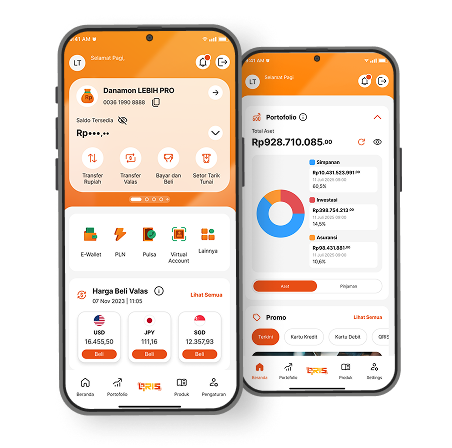
Credit Card payment through the D-Bank PRO application can be made via the Payment menu. Download the D-Bank PRO application from the Play Store or App Store.
| Payment via Bank | Channel | Fee | Payment Cut-off Time |
|---|---|---|---|
|
Danamon |
D-Bank PRO Application |
No Fee |
20:00 WIB. If the payment is made after 20:00 WIB, it |
Use cash payment to pay for your Danamon Credit Card via Bank Danamon branch. Ensure the information of your card and name is correct on the deposit slip. Cash payments require a processing time of 1 (one) working day.
| Payment via Bank | Channel | Fee |
|---|---|---|
|
Danamon |
Teller |
IDR 75,000 |
You can make your Danamon Credit Card payment through other Banks in Indonesia that have partnered with Bank Danamon.
| Bank | Payment Channel* | Processing Time** | Fee |
|---|---|---|---|
|
BCA |
ATM, Klik BCA, M-BCA |
3 (three) working days |
IDR7,500 |
|
Maybank |
ATM |
3 (three) working days |
IDR5,000 |
|
BNI |
ATM |
3 (three) working days |
IDR7,500 |
|
Mandiri |
ATM, Internet Banking, SMS Mobile Banking |
3 (three) working days |
IDR7,500 |
|
CIMB Niaga |
ATM, Self Service Terminal (SST), Niaga Ponsel Access, Niaga Global Access |
3 (three) working days |
IDR7,500 |
|
Permata |
ATM, Permata Mobile, Permata Net, Permata Shop, Permata Tel |
3 (three) working days |
IDR5,000 |
|
OCBC |
ATM |
3 (three) working days |
IDR5,000 |
*Payment fees via other banks are in accordance with the provisions applicable to each bank.
*Payments after 18.00 WIB will be processed on the next working day.
**Payments via other banks require a processing time of 3 working days (excluding Saturdays, Sundays and National holidays).
For more information, please contact Hello Danamon at 1-500-090
For information on how to pay the Danamon American Express® Card, click here